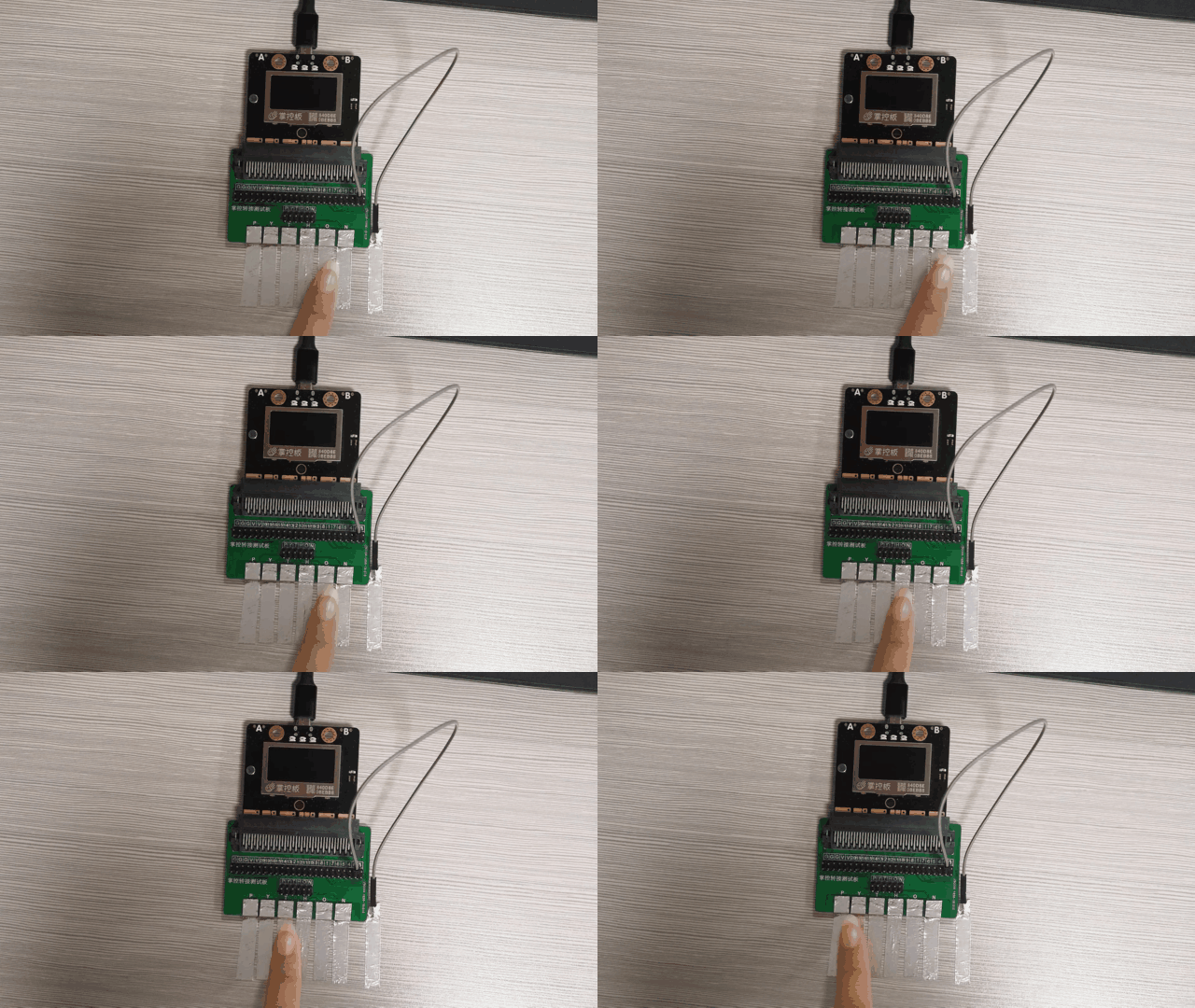
Piano
Using the music module and the touch sensors on the mPython Board, make a simple 7-note touch piano.
from mpython import *               # Import the mpython module
import music                        # Import the music module

note=["C4:2","D4:2","E4:2","F4:2","G4:2","A4:2","B4:2"]     # Define the tuple of 7 notes

pStatus,yStatus,tStatus,hStatus,oStatus,nStatus,p0Status=[1]*7  # Button status flag variables

p0 = TouchPad(Pin(33))              # Since the mPython Board only has 6 touch sensors, we need to expand one more pin P0, corresponding to ESP32's IO33

while True:
    if touchPad_P.read()<100 and pStatus==1:      # Detect button press and check the button flag
        music.play(note[0])                       # Play the note
        pStatus=0                                 # Set the button flag to 0
    elif touchPad_P.read()>=100:
        pStatus=1
    if touchPad_Y.read()<100 and yStatus==1:
        music.play(note[1])
        yStatus=0
    elif touchPad_Y.read()>=100:
        yStatus=1
    if touchPad_T.read()<100 and tStatus==1:
        music.play(note[2])
        tStatus=0
    elif touchPad_T.read()>=100:
        tStatus=1
    if touchPad_H.read()<100 and hStatus==1:
        music.play(note[3])
        hStatus=0
    elif touchPad_H.read()>=100:
        hStatus=1
    if touchPad_O.read()<100 and oStatus==1:
        music.play(note[4])
        oStatus=0
    elif touchPad_O.read()>=100:
        oStatus=1
    if touchPad_N.read()<100 and nStatus==1:
        music.play(note[5])
        nStatus=0
    elif touchPad_N.read()>=100:
        nStatus=1
    if p0.read()<100 and p0Status==1:
        music.play(note[6])
        p0Status=0
    elif p0.read()>=100:
        p0Status=1