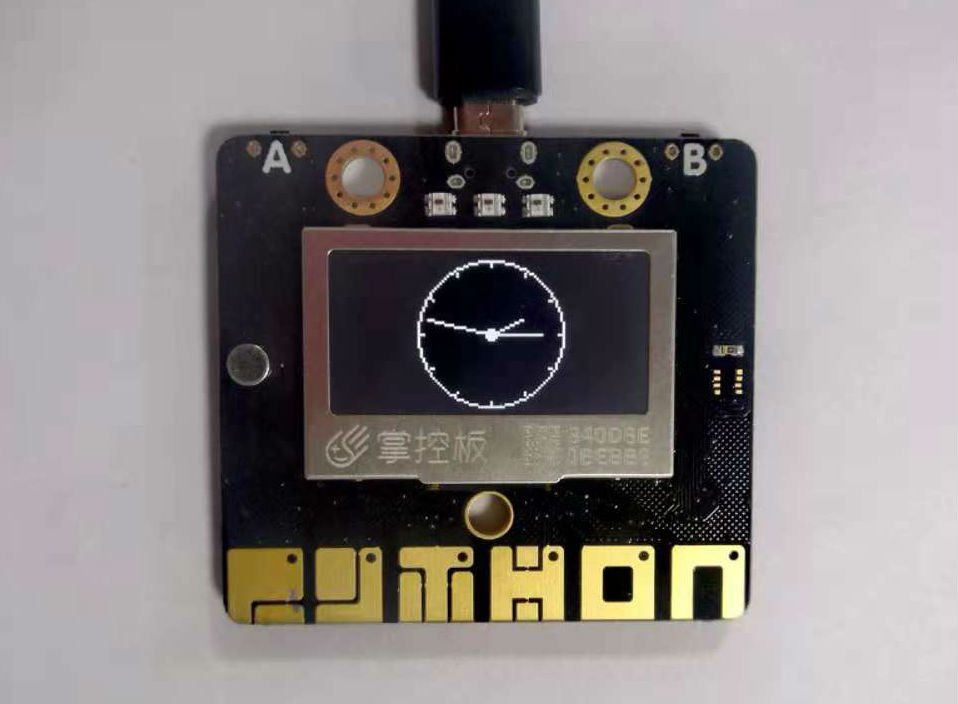
8. Digital and Analog Clock
We can combine the OLED display with the Wi-Fi function to make a digital and analog clock, obtaining the international standard time by connecting to the network via Wi-Fi, and displaying the time on the OLED screen.
8.1. Digital Clock
import ntptime,network     # Import the international standard time and network modules
from mpython import*
from machine import Timer  # Import the timer module

mywifi=wifi()
mywifi.connectWiFi("ssid","password")  # Wi-Fi settings

try:
    ntptime.settime()
except OSError :
    oled.DispChar("NTP timeout,restart!",0,20)
    oled.show()
else:

    def get_time(_):   # Define the clock screen refresh time
        t = time.localtime()
        print("%d-%d-%d %d:%d:%d"%(t[0],t[1],t[2],t[3],t[4],t[5]))
        oled.DispChar("{}-{}-{}" .format(t[0],t[1],t[2]),20,8)
        oled.DispChar("{}:{}:{}" .format(t[3],t[4],t[5]),38,25)
        oled.show()
        oled.fill(0)

    tim1 = Timer(1)

    tim1.init(period=1000, mode=Timer.PERIODIC, callback=get_time)
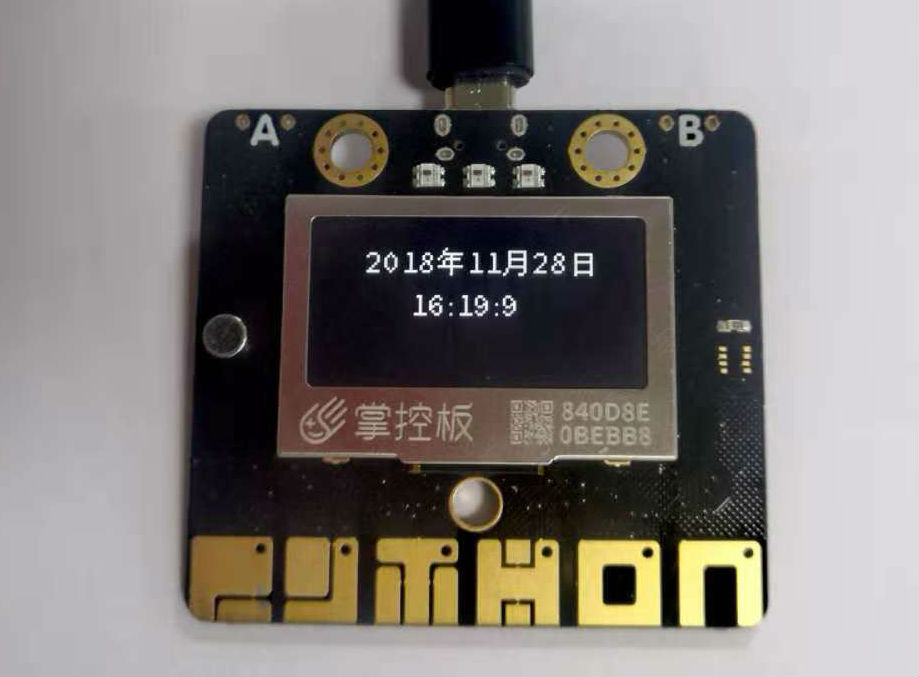
A digital clock is a clock that replaces the analog dial with a digital display. It displays the current time with digits; the digital clock in this example can display the hour, minute and second at the same time.
mywifi=wifi()
mywifi.connectWiFi("ssid","password")
To display the time, you need to connect to the network first, so you need to set the Wi-Fi name and its password.
Tip
For Wi-Fi connection, see the wifi class module for more usage methods.
try:
    ntptime.settime()   # Get the international standard time
except OSError :
    oled.DispChar("NTP timeout,restart!",0,20)
    oled.show()
To understand the network connection situation more clearly, you can set it to catch exceptions and display some prompts. First get the international standard time; when an exception occurs, display a prompt.
tim1 = Timer(1)    # Create a timer
tim1.init(period=1000, mode=Timer.PERIODIC, callback=get_time)
Create a timer and initialize it, setting the time to a timing mode with a period of 1000 milliseconds, getting the time and returning the timer’s current count value (for the time parameters, see the machine.Timer module).
time.localtime()
Get the local time and display the time as an 8-tuple (including year, month, day, hour, minute, second) (see the time module for more).
oled.DispChar("{}-{}-{}" .format(t[0],t[1],t[2]),20,8)
oled.DispChar("{}:{}:{}" .format(t[3],t[4],t[5]),38,25)
oled.show()
oled.fill(0)   # Clear the screen
After getting the time, display it on the OLED screen.
Note
Display the year, month and day at coordinates (20,8): t[0] corresponds to the year, t[1] to the month, t[2] to the day; display the hour, minute and second at coordinates (38,25): t[3] corresponds to the hour, t[4] to the minute, t[5] to the second.
8.2. Analog Clock
import ntptime,network
from mpython import*
from machine import Timer

mywifi=wifi()
mywifi.connectWiFi("ssid","password")

try:
    ntptime.settime()
except OSError :
    oled.DispChar("NTP timeout,restart!",0,20)
    oled.show()
else:
    clock=Clock(oled,64,32,30)

    def Refresh(_):
        clock.settime()
        clock.drawClock()
        oled.show()
        clock.clear()

    tim1 = Timer(1)

    tim1.init(period=1000, mode=Timer.PERIODIC, callback=Refresh)
Build the Clock object:
clock=UI.Clock(64,32,30)
UI.Clock(x, y, radius) is used to build a clock object. x and y are the starting coordinates on the OLED display, and radius is the radius of the drawn clock.
Get the local time and set the analog clock time:
clock.settime()
Draw the clock:
clock.drawClock()
Clear the clock:
clock.clear()
Clear the clock, i.e. clear the time displayed on the OLED screen to display the newly obtained time; otherwise the various time values will overlap on the OLED.