2. Software Programming
mPython Core 2.0 can be programmed with graphical software such as mPython, or with VSCode for Python programming.
2.1 mPython IDE
mPython is a programming education software dedicated to the mPython Board, developed by the Labplus technical team. It is mainly aimed at teenagers and used for programming education and information technology courses.
Development background: After the mPython Board was released in September 2018, there were few programming tools for it in the early stage. To solve this problem, the Labplus team redesigned the first-generation programming software mPythonX from the ground up in July 2019, and later renamed it mPython.
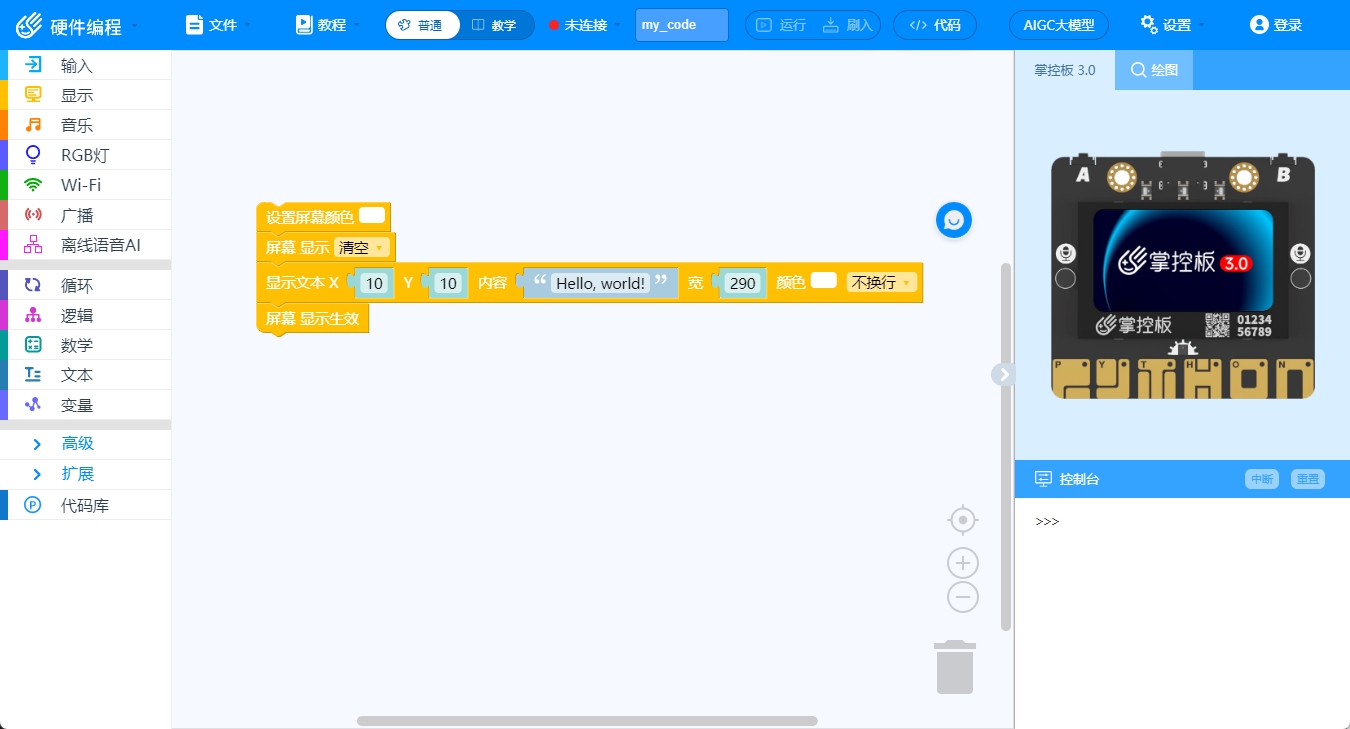
Features:
Multiple programming modes: Integrates hardware programming mode, Python mode, and Jupyter mode, meeting the learning needs of graphical programming and code programming for primary, junior high, and senior high school stages.
Multiple code reading and writing: Supports reading and writing of hex, python, and blockly code. In blockly mode, it also supports functions.
Offline use: Does not depend on the network and can be installed and used offline, convenient for programming learning in environments without network access.
Simple simulation: Can simulate some mPython Board functions, helping users perform preliminary testing and verification when writing code.
Cloud project storage: After logging in to the mpython cloud, users can save code to the cloud, either privately or as open source. They can also view program code uploaded by other users and load it with one click.
Code library: Users can save their own programs to the code library and call them with one click when needed, or share code to help others. It also provides hardware extensions, application extensions, and custom graphical instructions.
For detailed information, please go to: https://mpythonsoftware.readthedocs.io/
2.2 Code Programming in the VSCode Environment
2.2.1. VSCode Introduction
Visual Studio Code (VSCode for short) is a free, open-source, cross-platform (Windows/macOS/Linux) code editor developed by Microsoft, officially released in 2015. It is known for being lightweight, highly extensible, and offering a powerful development experience. It is widely used in front-end development, back-end programming, data analysis, DevOps, and other scenarios, and supports almost all mainstream programming languages.
Multi-language support and intelligent hints
Natively supports languages such as JavaScript, TypeScript, Python, Java, and C++, and can be extended to more niche languages (such as Go, Rust, Kotlin, etc.) through plugins.
Built-in IntelliSense intelligent hint system, supporting code completion, syntax highlighting, and function definition jumps, and can even recommend code snippets based on context.
Powerful plugin ecosystem
Tens of thousands of plugins can be installed through the VSCode Marketplace, covering code formatting (such as Prettier), debugging tools (such as Python Debugger), version control (such as GitLens), UI beautification (such as Material Theme), and more.
Supports custom plugin development to meet personalized needs.
Integrated development experience
Built-in Git version control, allowing you to view commit history, compare code differences, and push / pull branches directly in the editor.
Supports multi-terminal integration, allowing command-line operations (such as npm install, git commit) without switching tools.
Built-in debugger, supporting breakpoint debugging, variable watching, and call stack viewing, adapted to multiple programming languages.
2.2.2. Installing and Configuring VSCode
Download VSCode
Visit the VSCode official website and select the version suitable for your operating system to download.
During installation, it is recommended to check the “Add to PATH” option so that you can use VSCode directly from the command line.
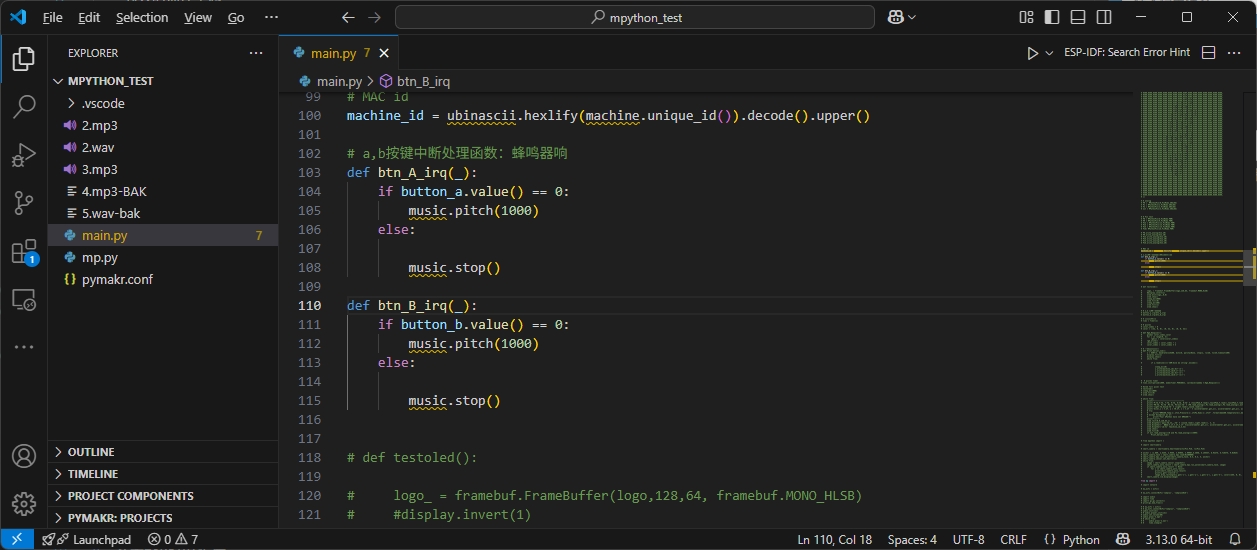
Install the Python extension
Open VSCode, click the “Extensions” icon in the left activity bar, search for “Python”, and install the “Python” extension.
After installation, VSCode will automatically recognize the Python environment and provide intelligent hints, code formatting, and other features.
Install the esp-idf extension