Sensor Mode Hardware Connection
1. Using AI Camera 4.0 with mPython Core 2.0
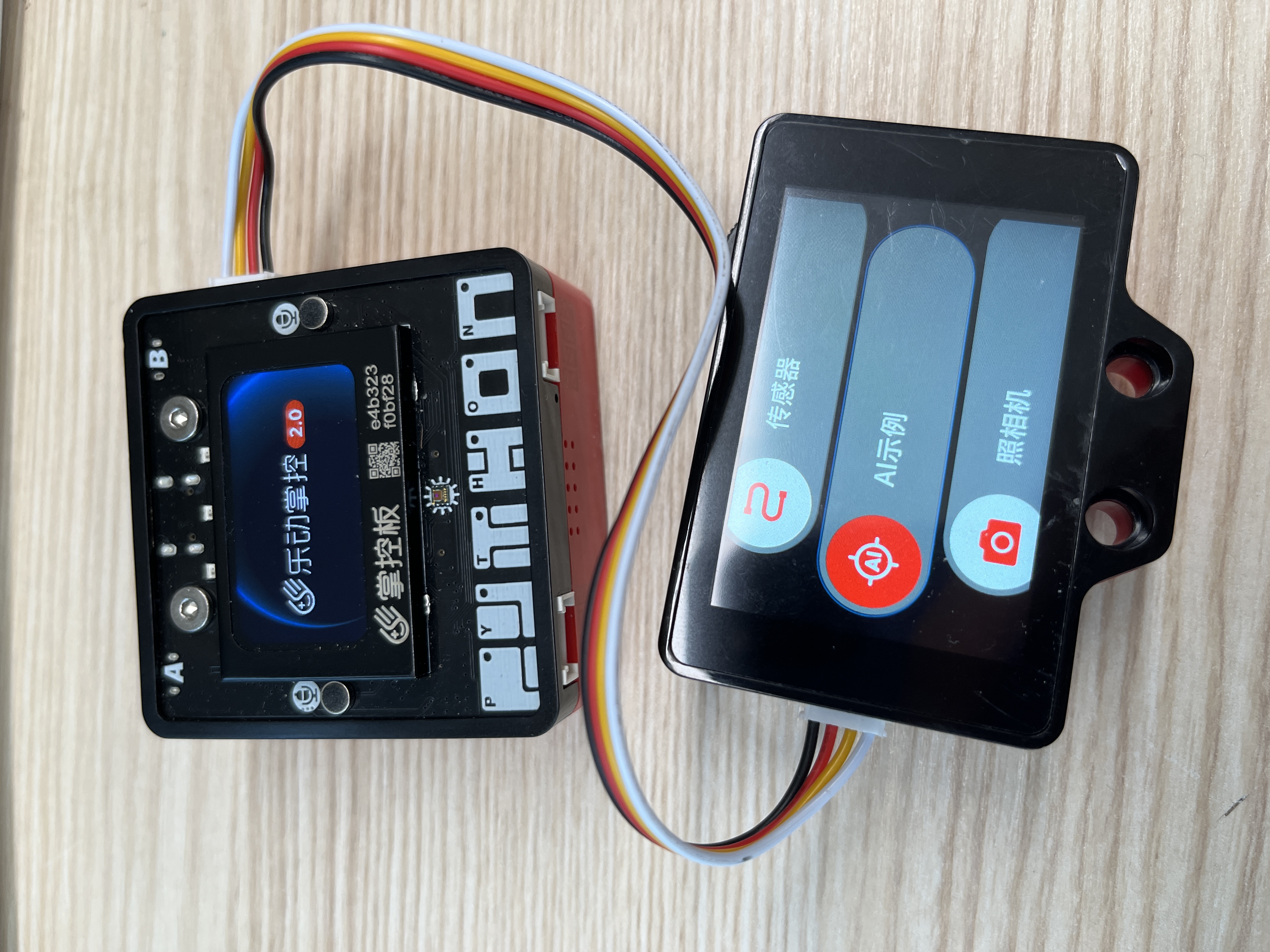
1. Connect the camera to the main controller hardware
As shown in the figure, connect the AI Camera to pins P0 and P1 (or other pins with an available serial port).
2. Write the program
Open the mPython software, connect to mPython Core, select the connected pins, and flash the program.
When mPython Core communicates successfully with the camera, the console outputs “==AI camera communication successful==”