5. Main Controller Mode
Main controller mode is ready to use right after power-on, runs AI example models, and photos and videos can be saved to a USB drive.
Sensor mode supports both text-based programming and graphical programming, suitable for everyone.
Built-in AI example models for a quick start.
CanMV-K230 IDE Getting Started Guide
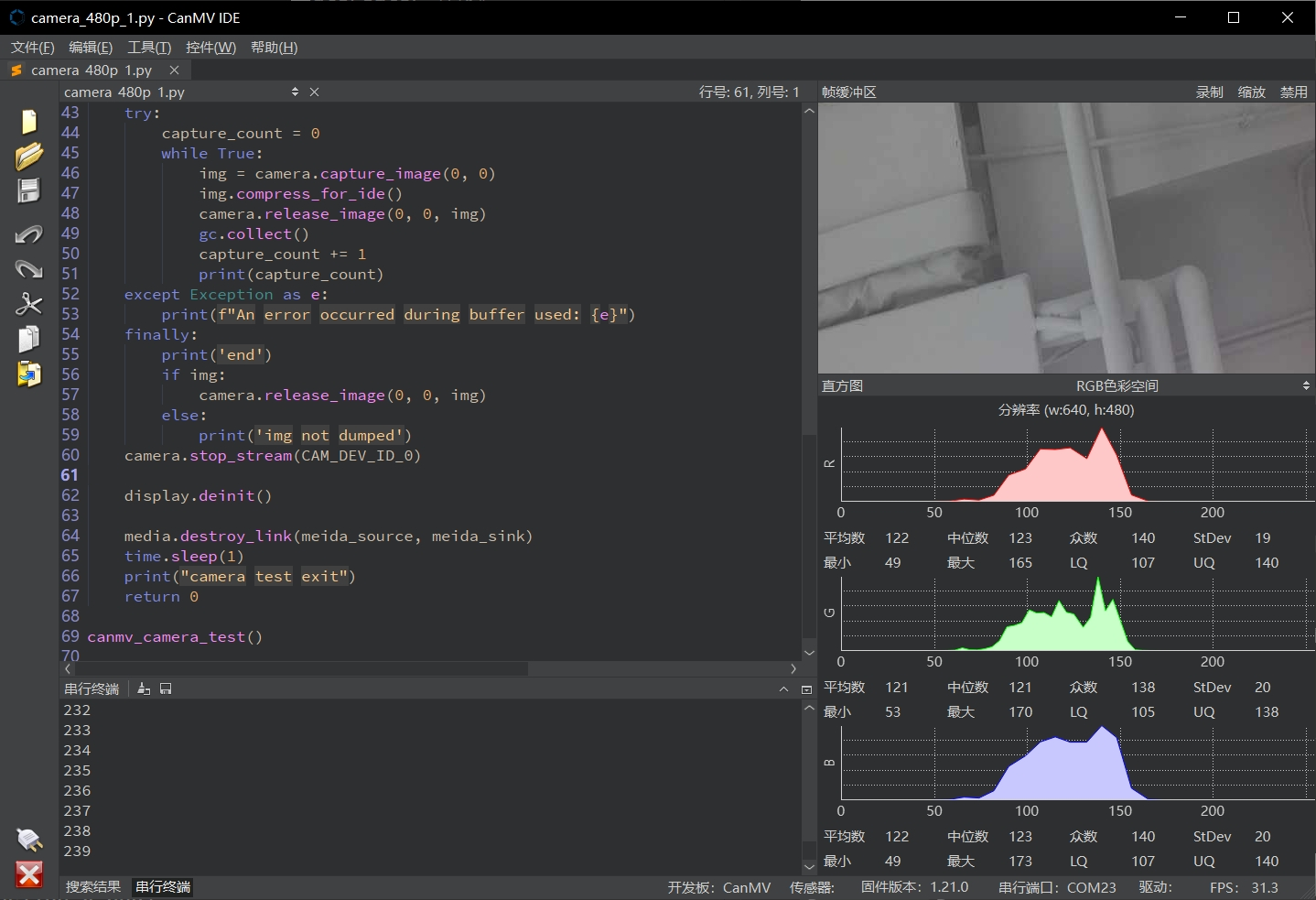
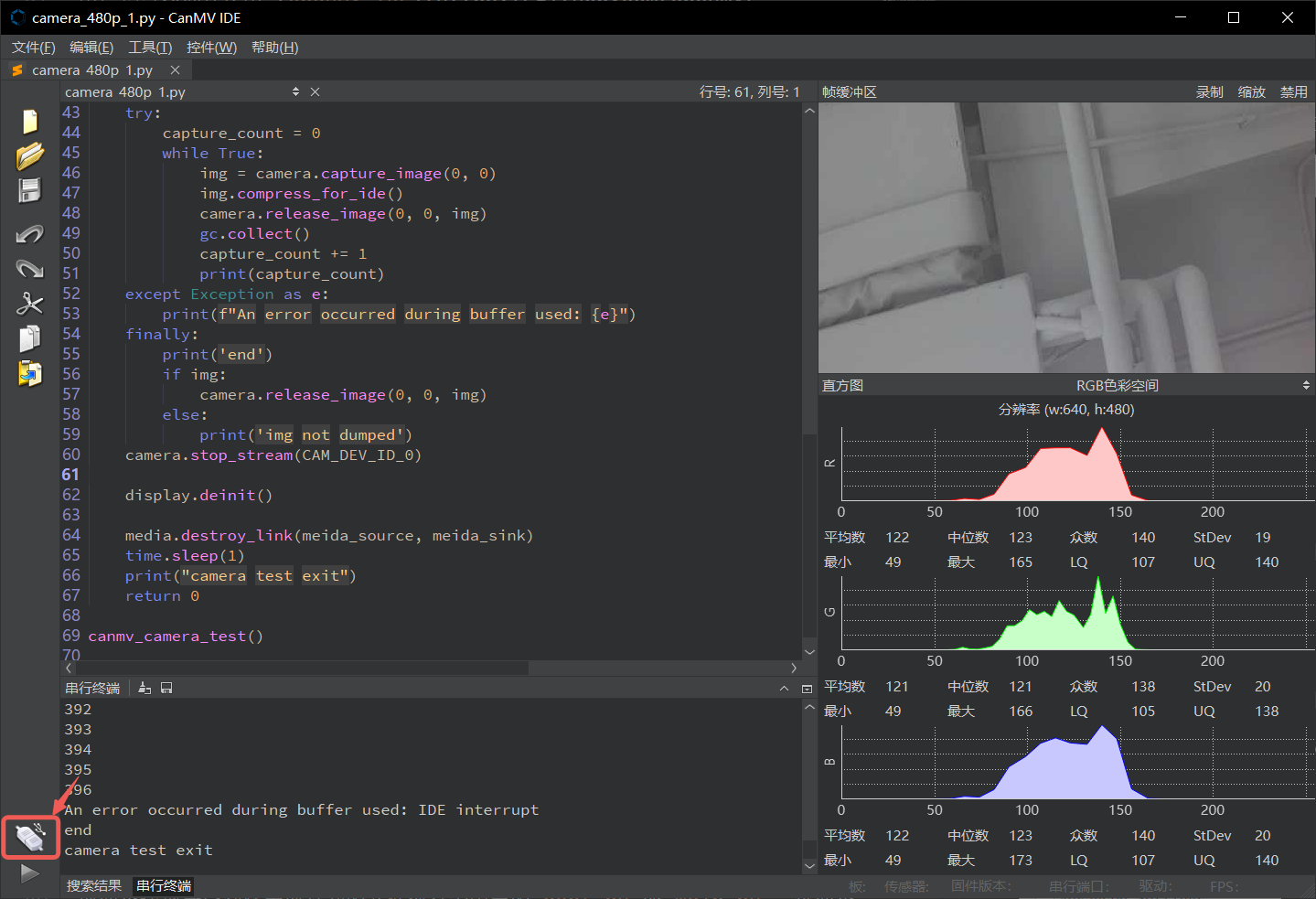
AI Camera 4.0 supports development with CanMV-IDE, and users can run code through the IDE.
For detailed K230 IDE documentation, please go to: https://www.kendryte.com/k230_canmv/dev/zh/quick_start.html
Connect the camera with a Type-C cable, and rename canmv/sdcard/main.py to another name.
Connect and use the IDE.
AI Examples
Visit AI examples to get the tutorial