3. Face Recognition
3.1. Python Example
Example: Face recognition
from mpython import *
import smartcamera_k230 as smartcamera

smart_camera = smartcamera.SmartCameraK230(tx=Pin.P1, rx=Pin.P0)

smart_camera.model_init(31)

while True:
    smart_camera.fcr.recognize()
    face_id = smart_camera.fcr.id
    if face_id != None:
        print(str('Face id: ') + str(face_id))
        print(str('Confidence: ') + str(smart_camera.fcr.score))
3.2. mPython Graphical Example
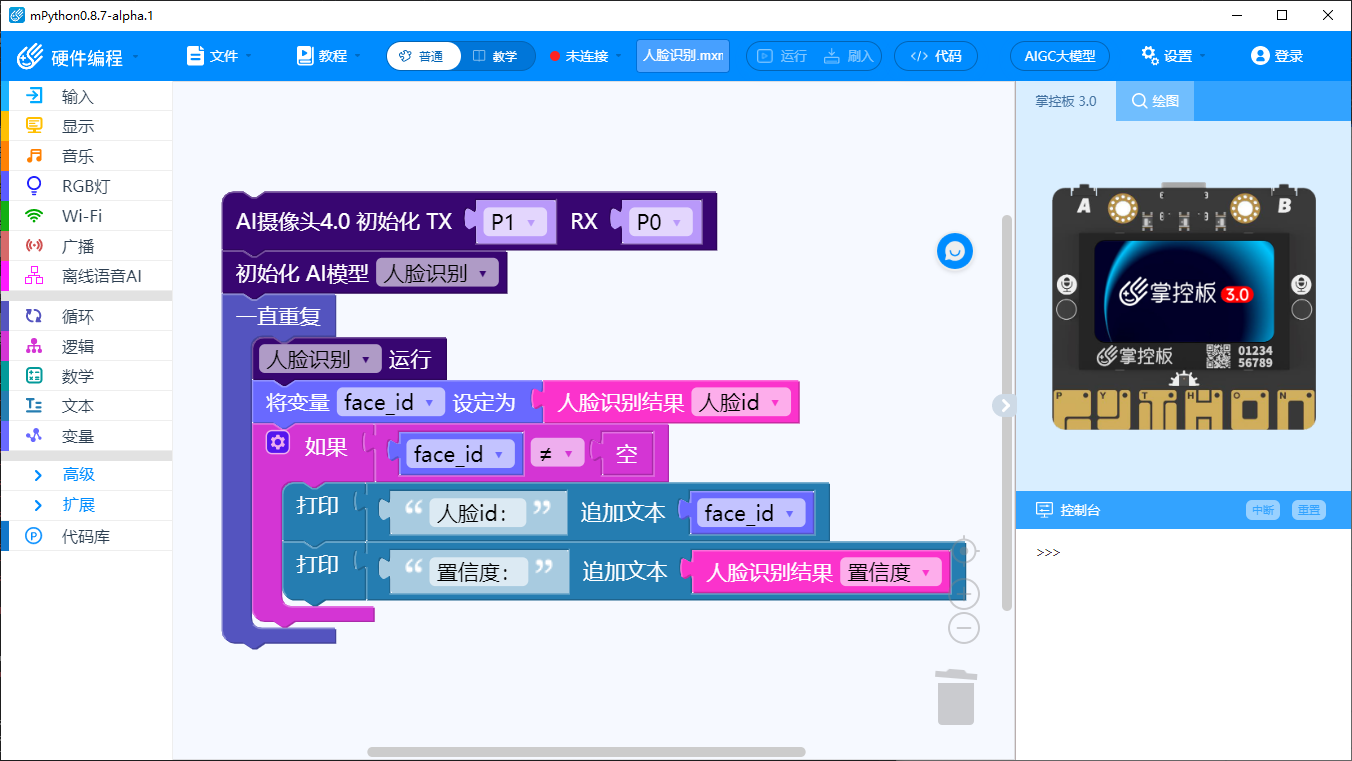
3.3. Functions and Methods
- smart_camera.model_init(cur_state)
Instantiate the model
- Parameters:
cur_state (int) – model id for initialization
- class smart_camera.fcr
- recognize()
Run recognition
3.4. Face Registration
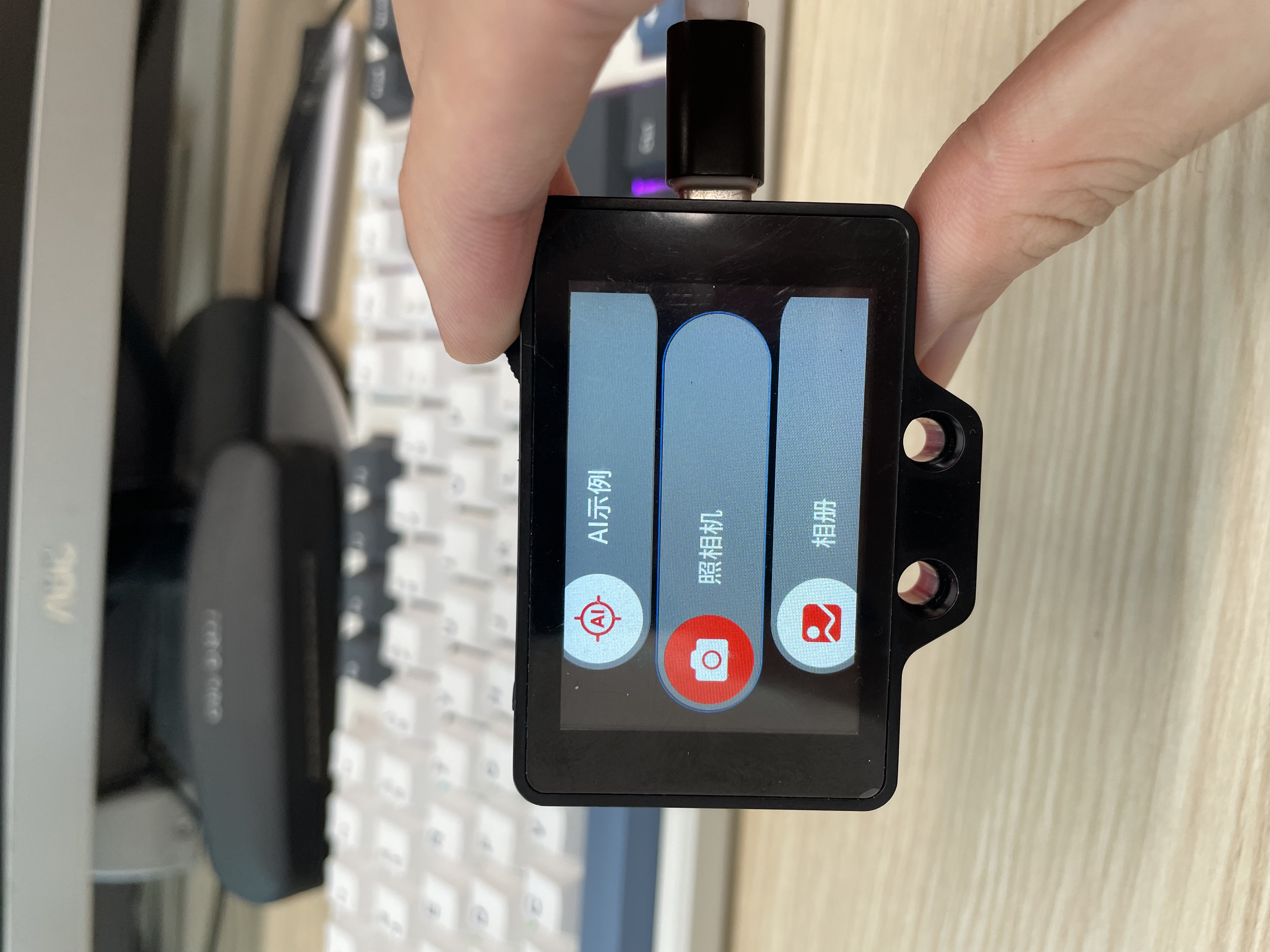
3.4.1. Open the camera photo mode and capture a suitable face image
Each image should contain only one frontal face. The photo resolution supports jpg and png images lower than 1000*1000.
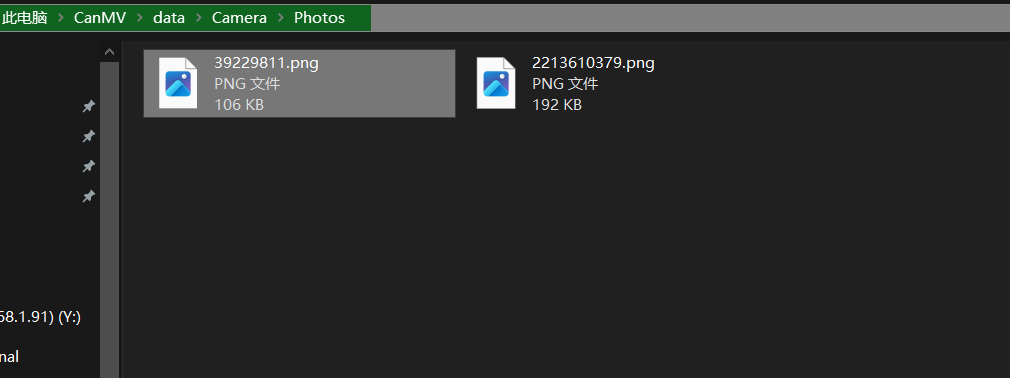
3.4.2. Open the Album
Image path: /CanMV/data/Camera/Photos
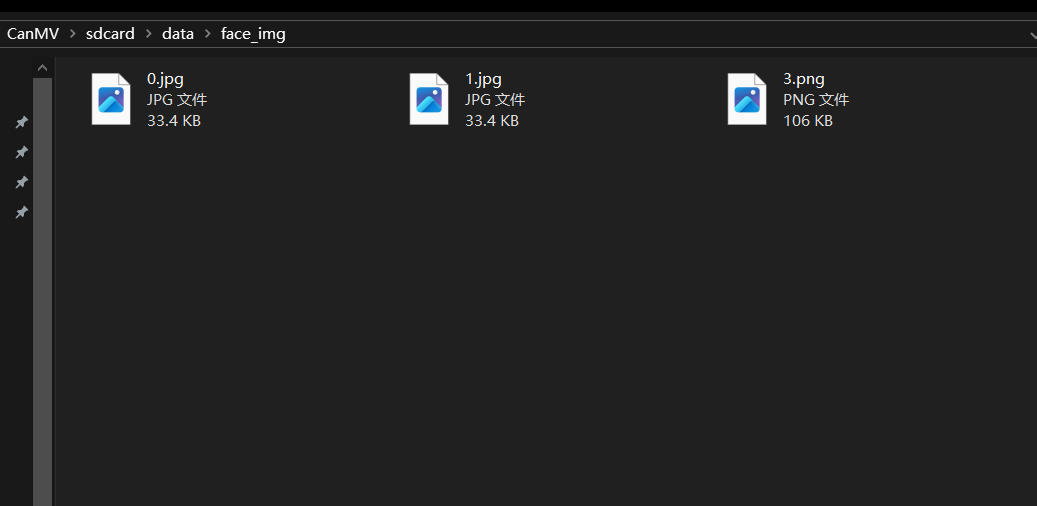
3.4.3. Copy Face Images to the Face Data Directory
Copy face images to the face data directory, named by numbers starting from 0.
Face data path: /CanMV/sdcard/data/face_img
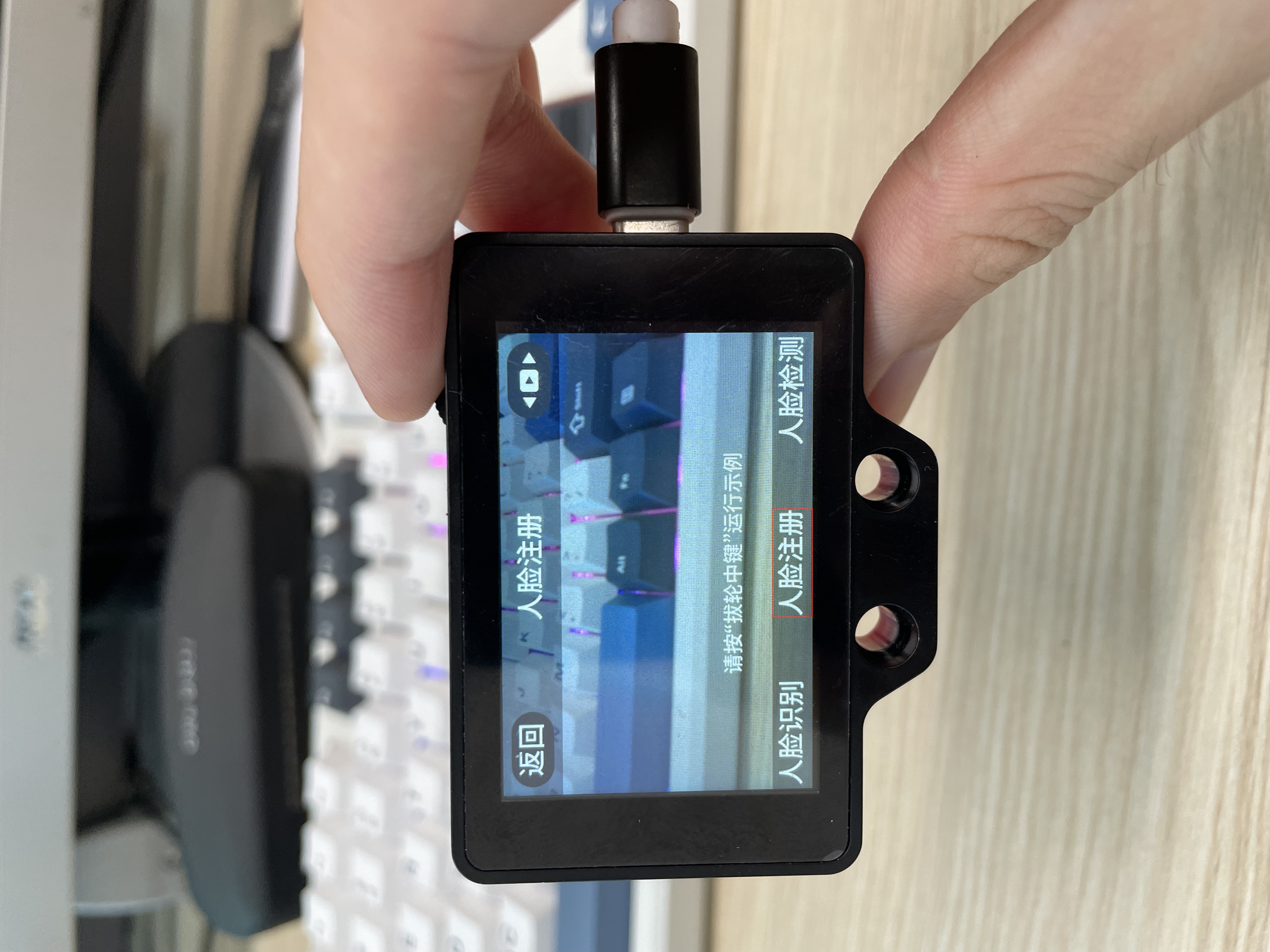
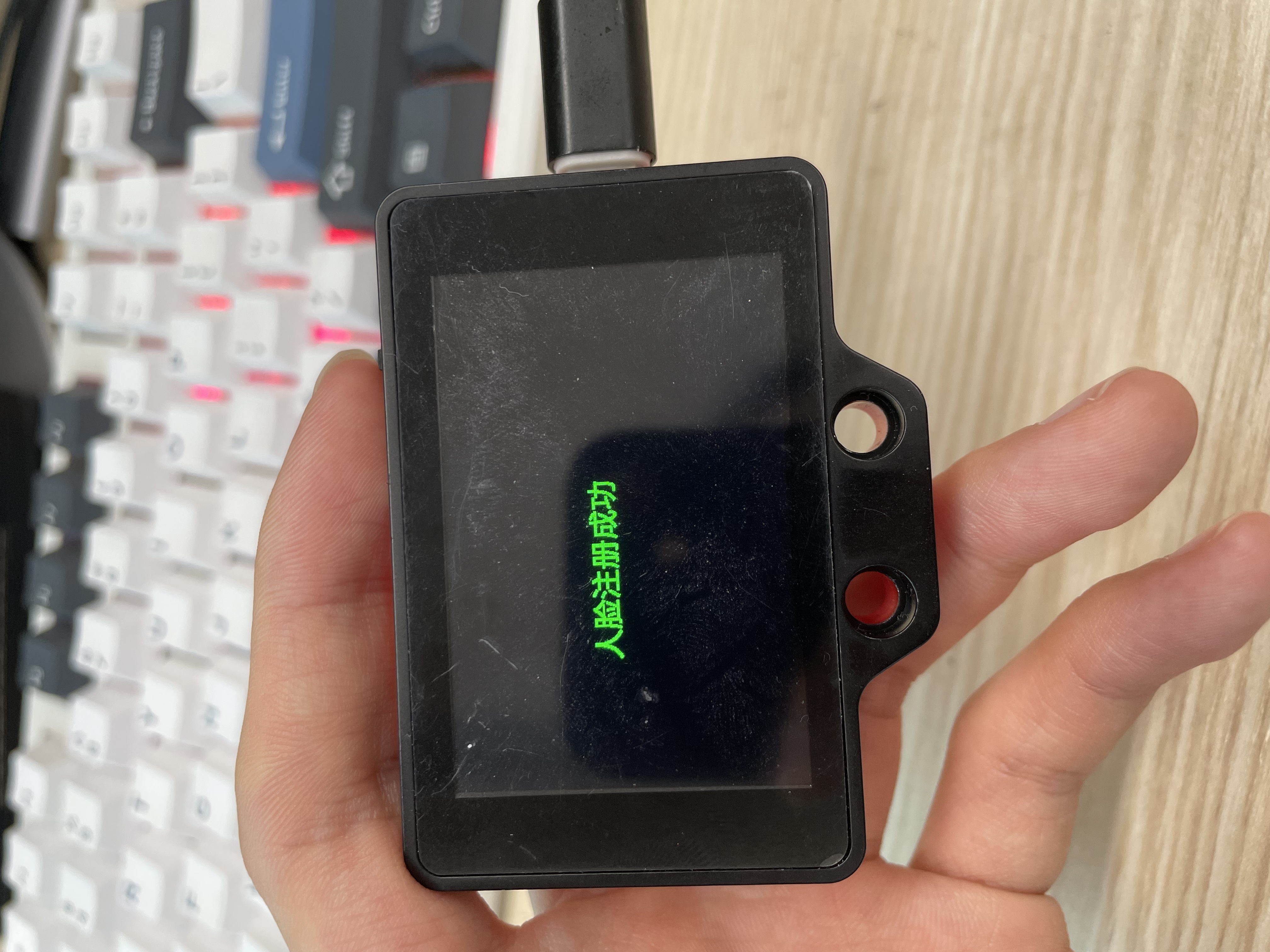
3.4.4. Register the face and wait for the success prompt
Attention
A successfully registered face remains valid permanently. After adding a new face, face registration must be performed again.
Attention
/CanMV/sdcard/data/face_db is the face database path