Gesture Sensor
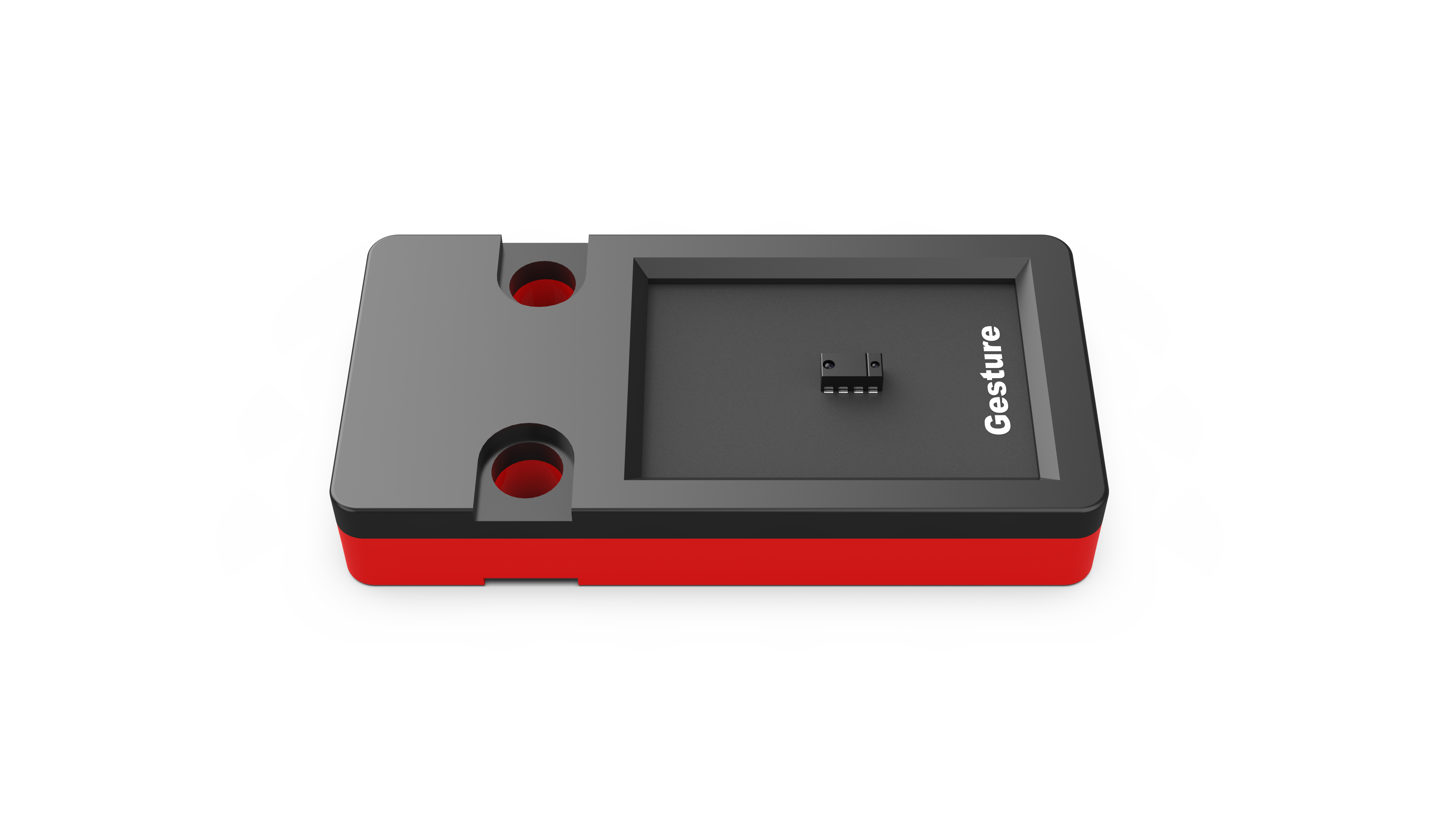
Overview
Used for detecting gesture changes (up, down, left, right)
Technical Specifications
Operating voltage: VCC 3.3V -5V
Module dimensions: 24*48mm
Mounting: 2 plastic building block compatible through-holes
Data type: Gesture data string
Pin Definition
Pin |
Definition |
|---|---|
GND |
Ground |
VCC |
Power |
SCL |
I2C clock |
SDA |
I2C data |
Example Code
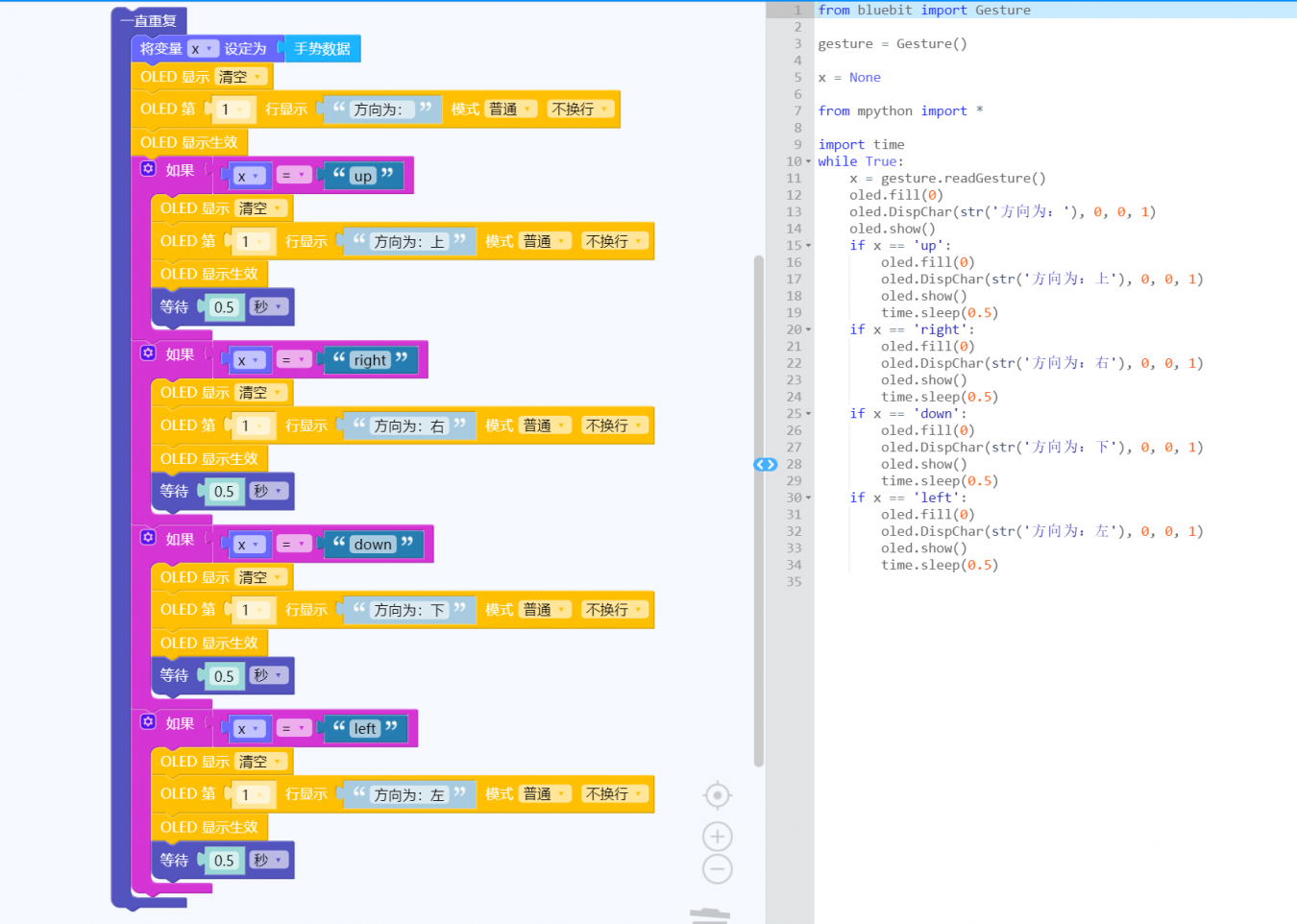
When your palm moves up, down, left, or right above the gesture sensor, the mPython Board OLED display shows the corresponding direction.
from bluebit import Gesture

gesture = Gesture()

x = None

from mpython import *

import time
while True:
    x = gesture.readGesture()
    oled.fill(0)
    oled.DispChar(str('Direction:'), 0, 0, 1)
    oled.show()
    if x == 'up':
        oled.fill(0)
        oled.DispChar(str('Direction: Up'), 0, 0, 1)
        oled.show()
        time.sleep(0.5)
    if x == 'right':
        oled.fill(0)
        oled.DispChar(str('Direction: Right'), 0, 0, 1)
        oled.show()
        time.sleep(0.5)
    if x == 'down':
        oled.fill(0)
        oled.DispChar(str('Direction: Down'), 0, 0, 1)
        oled.show()
        time.sleep(0.5)
    if x == 'left':
        oled.fill(0)
        oled.DispChar(str('Direction: Left'), 0, 0, 1)
        oled.show()
        time.sleep(0.5)