RFID Electronic Tag
Overview
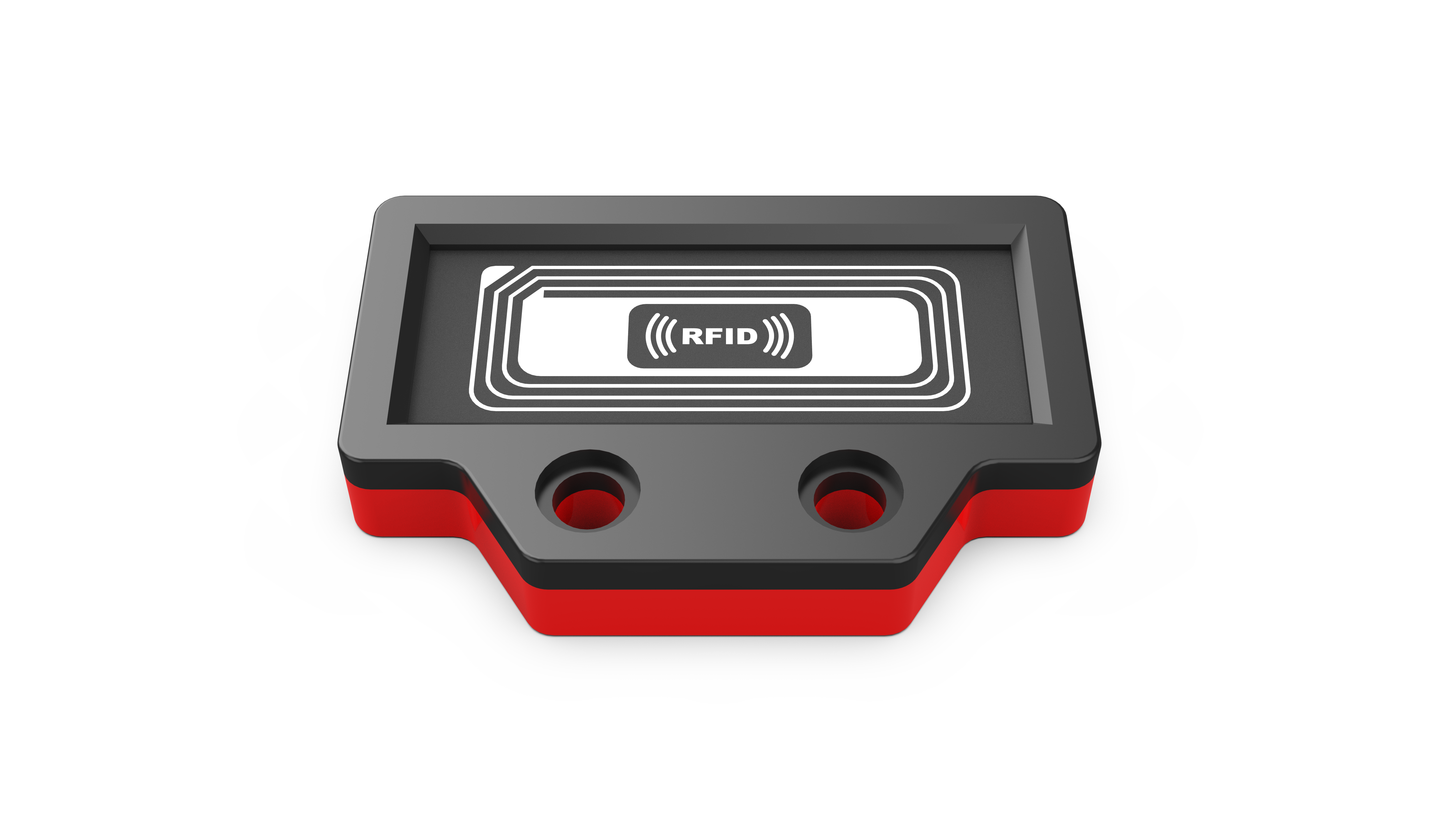
Can effectively identify RF card IDs and read/write information, simulating electronic wallet top-up and deduction functions.
Technical Specifications
Operating voltage: VCC 3.3V -5V
Module dimensions: 24*48mm
Mounting: 2 plastic building block compatible through-holes
Detection distance: 0.5-1cm
Data type: ID and electronic wallet information
Pin Definition
Pin |
Definition |
|---|---|
GND |
Ground |
VCC |
Power |
SCL |
I2C clock |
SDA |
I2C data |
Example Code
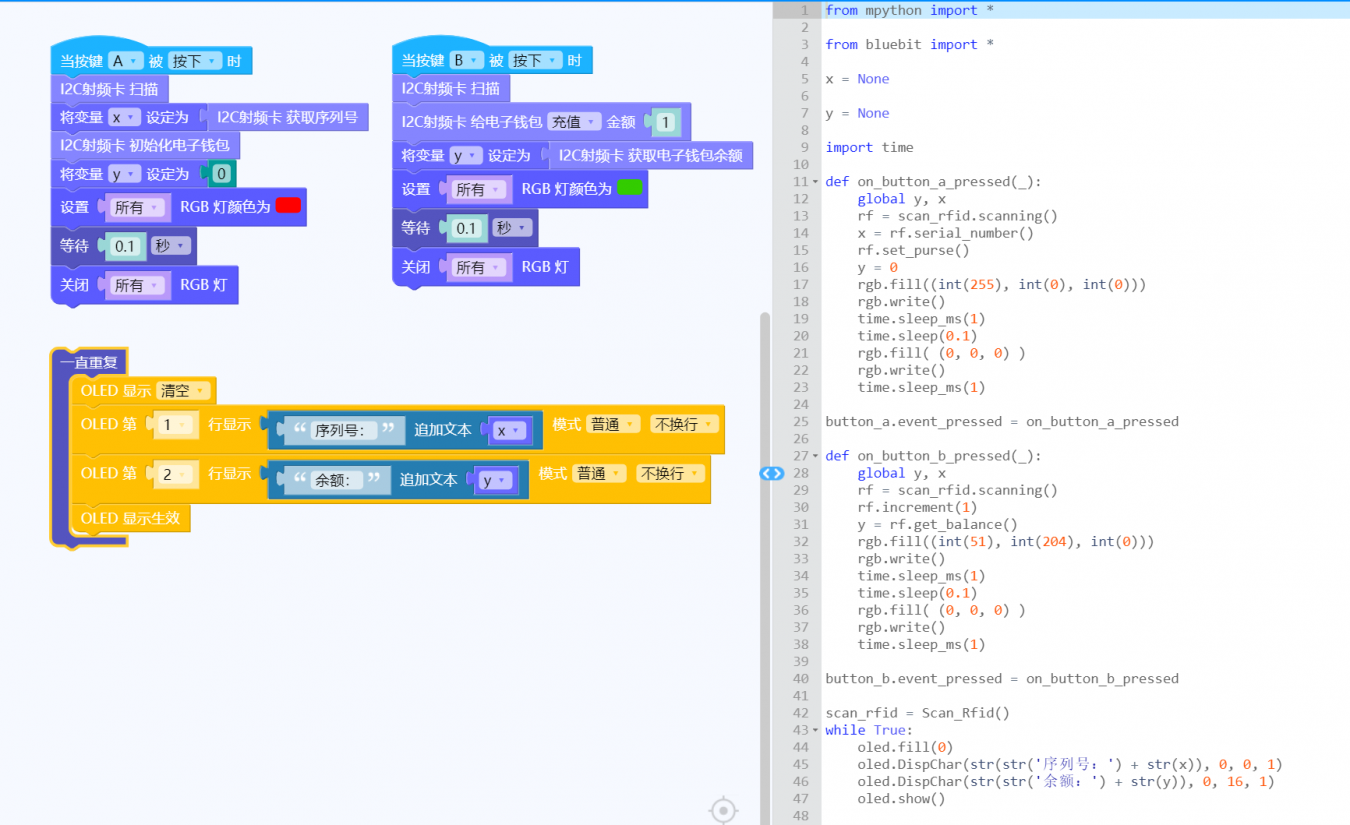
1. Press the A button to get the RF card serial number and initialize settings, with the RGB LED lighting up red. Press the B button to top up the RF card, with the LED lighting up green.
2. The mPython Board OLED display shows the RFID serial number and current balance.
from mpython import *

from bluebit import *

x = None

y = None

import time

def on_button_a_pressed(_):
    global y, x
    rf = scan_rfid.scanning()
    x = rf.serial_number()
    rf.set_purse()
    y = 0
    rgb.fill((int(255), int(0), int(0)))
    rgb.write()
    time.sleep_ms(1)
    time.sleep(0.1)
    rgb.fill(( 0, 0, 0) )
    rgb.write()
    time.sleep_ms(1)

button_a.event_pressed = on_button_a_pressed

def on_button_b_pressed(_):
    global y, x
    rf = scan_rfid.scanning()
    rf.increment(1)
    y = rf.get_balance()
    rgb.fill((int(51), int(204), int(0)))
    rgb.write()
    time.sleep_ms(1)
    time.sleep(0.1)
    rgb.fill(( 0, 0, 0) )
    rgb.write()
    time.sleep_ms(1)

button_b.event_pressed = on_button_b_pressed

scan_rfid = Scan_Rfid()
while True:
    oled.fill(0)
    oled.DispChar(str(str('Serial No: ') + str(x)), 0, 0, 1)
    oled.DispChar(str(str('Balance: ') + str(y)), 0, 16, 1)
    oled.show()